
Clickable Figma Prototyping Services in Hyderabad
A screen design shows how a product might look. A clickable prototype helps people experience how it could work. By connecting screens and adding interactions, a Figma prototype lets your team review important journeys before development begins.
Innoit Labs provides Figma prototyping services for businesses planning websites, mobile apps and digital products. We turn agreed product requirements and screen designs into interactive flows that can be reviewed by stakeholders and, where appropriate, tested with users. A prototype can help your team examine navigation, screen order, button behavior and the overall flow of a task. It gives everyone a more concrete way to discuss the product, identify missing steps and make design changes before development work starts.
Get in touch with us
We are happy to hear from you.
Make Product Flows Easier to Review with Interactive Experiences
Connecting interface screens and defining realistic interactions so teams can experience proposed digital products before writing code.
Static screenshots cannot convey how an application feels in the user's hands. Utilizing Figma's advanced interactive features—including component variants, smart animations, variables, interactive states, and conditional flows—we create prototypes that feel indistinguishable from completed production software.
16+ Years Experience
Make Product Flows Easier to Review
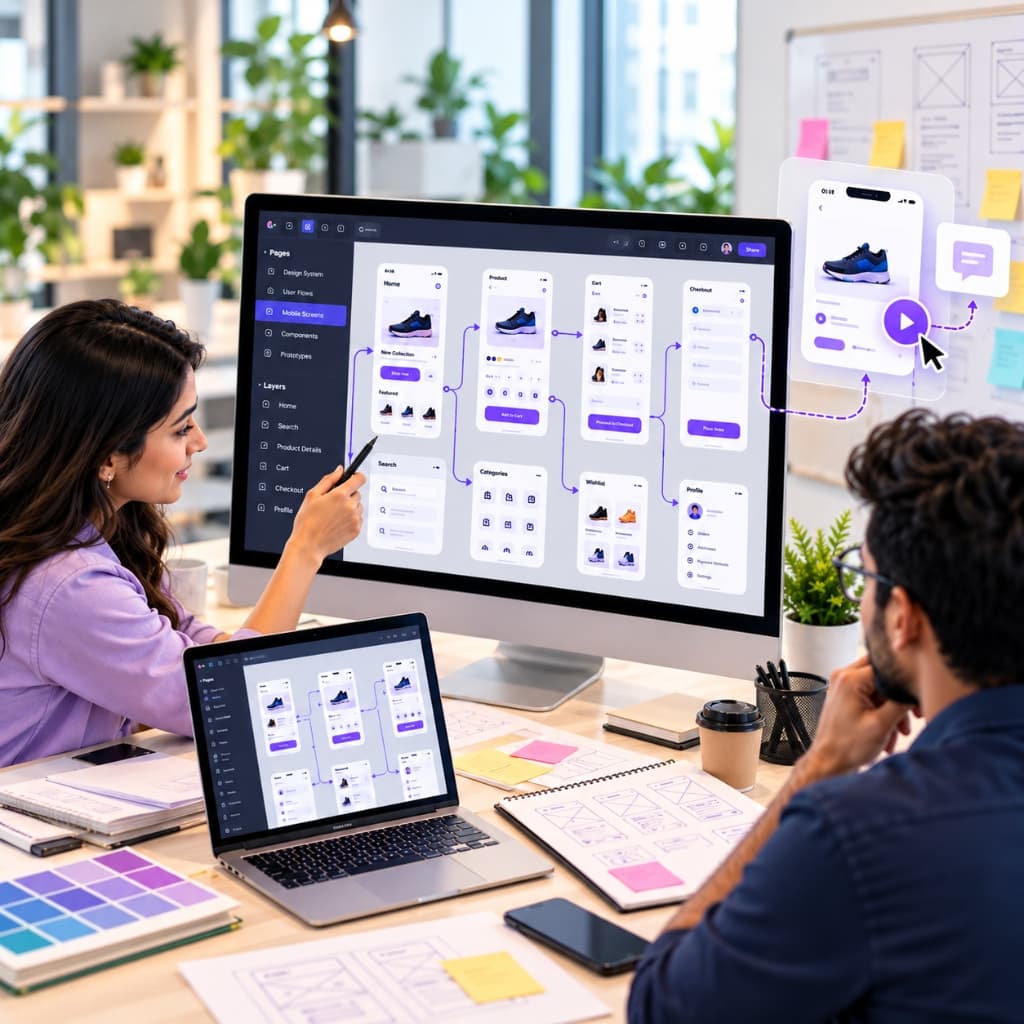
A prototype connects interface screens so a reviewer can move through a proposed experience. Instead of viewing each screen as a separate image, stakeholders can follow a path such as signing up, searching for a service, placing an order or managing an account.
Key questions addressed:
Turn Design Concepts Into Clickable Experiences
We use Figma to connect selected screens and define the interactions needed to demonstrate a flow. Depending on the project, a prototype may include navigation, buttons, tabs, overlays, menus, form steps and other interactions. The level of detail depends on what the team needs to review. An early concept may need a simple flow to communicate the idea. A more developed product may need a higher fidelity prototype with realistic layouts and interactions.
Support Stakeholder Reviews
A clickable Figma prototype gives product owners, designers, developers and other stakeholders a shared reference. It helps teams discuss the same experience and record feedback against specific screens or steps. When feedback is gathered early, the team can identify design questions before they become development assumptions. This can make review discussions more specific and help clarify what needs to be decided next.
Our Figma Prototyping Services
From early concept validation to complex web application and mobile flows, we shape prototypes around your review goals.

Low-Fidelity Prototypes
Low-fidelity prototypes are useful when a team needs to review structure and sequence without spending time on final visual details. They can show the main screens, content blocks, and navigation paths for an early product concept.

High-Fidelity Prototypes
High-fidelity prototypes use more complete interface designs to demonstrate how a product may look and behave. They can help stakeholders review visual hierarchy, screen transitions, interactive elements, and the presentation of important information.

Mobile App Prototypes
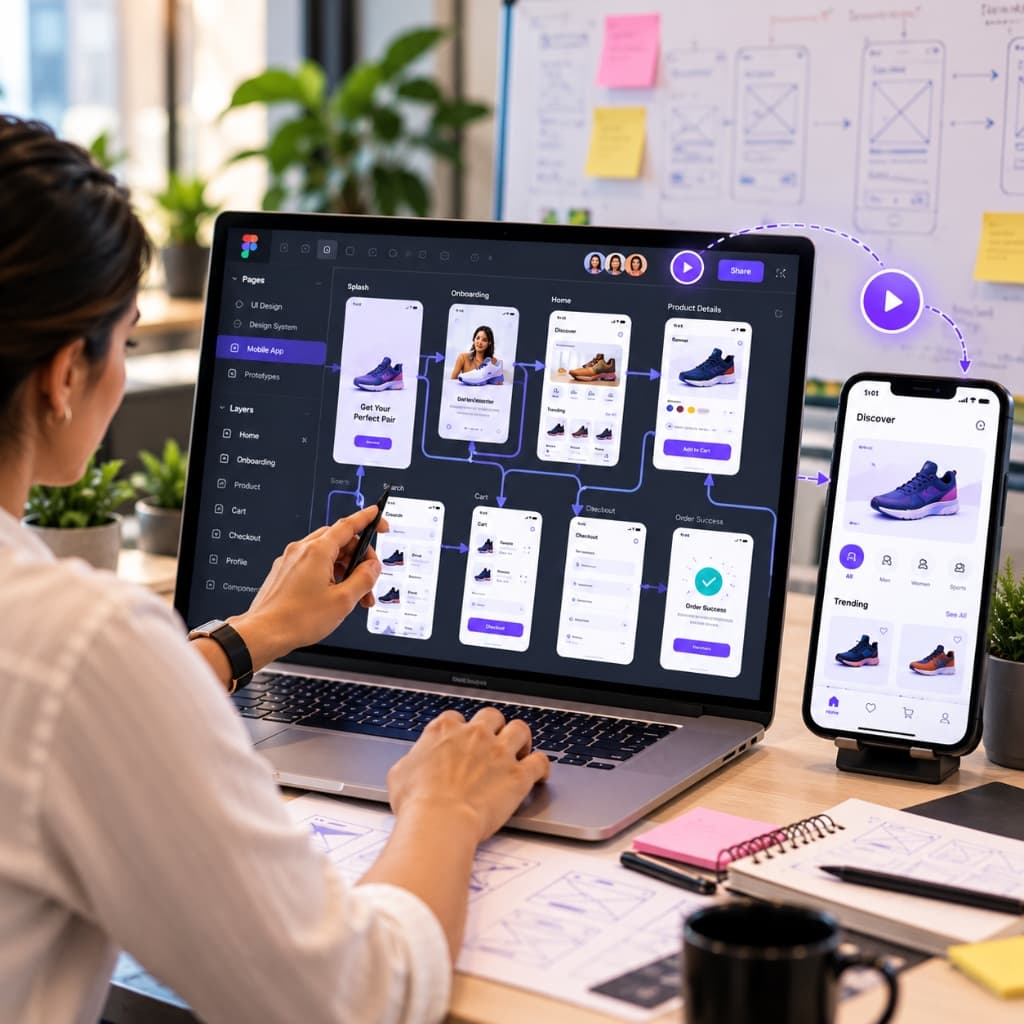
A mobile app prototype can show how users move through key screens on a phone. Depending on the product, it may demonstrate onboarding, account setup, search, booking, shopping, payment or other app-specific journeys.

Website and Web Application Prototypes
For websites and web applications, a prototype can connect pages, menus, forms, dashboards and other interface elements. This gives teams a way to review how users will navigate the experience across important tasks.

Prototype Updates and Iteration
A prototype may change as requirements become clearer and feedback is reviewed. We can update screens and interactions to reflect agreed changes, helping the team keep its review material aligned with the current design direction.
Why Choose Innoit Labs for Figma Prototyping?
A prototype should help a team make a decision. Innoit Labs focuses on the journeys and interactions your reviewers need to understand, then prepares a Figma prototype that makes those paths easier to discuss.
If you need help planning what users should be able to accomplish in your product, see our UX Research and Journey Mapping Services. For reusable UI patterns across a product, explore our Design System Services.
Our Figma Prototyping Process
A structured, collaborative approach to translating product requirements into interactive Figma flows.
Define What the Prototype Needs to Show
We begin by understanding the product, audience and decisions the prototype should support. We identify the user journeys, screens and interactions that need to be represented.
Review Available Requirements and Designs
We review project notes, user flows, wireframes or existing UI designs supplied by your team. If some details are still being decided, we identify the open questions before connecting the screens.
Select the Key Screens and Flows
We agree on the screens and interactions required for the prototype. This keeps the work focused on the tasks that matter for review, rather than adding interactions that do not support the project’s current goal.
Connect Screens in Figma
We connect the relevant screens, define the prototype interactions and prepare a flow that reviewers can follow. The output is organized to make the main paths easier to access.
Review and Gather Feedback
Your team can review the prototype and share feedback on the screens, navigation and interactions. Where user testing is part of the project, the prototype can help demonstrate tasks for participants to try.
Refine the Prototype
We make agreed updates to the prototype and help prepare the design for the next stage, such as design handoff or development planning.
When Should You Create a Figma Prototype?
Prototyping provides clear value across diverse product decision points.
Before Development Begins
Prototyping can help teams review a proposed experience before committing to development. It gives stakeholders a chance to check the flow and clarify open design questions.
When Explaining a New Product Idea
A prototype can make an idea easier to demonstrate to internal teams, clients or project partners. People can follow a sample journey rather than relying only on a written description.
During a Redesign
A prototype can show a proposed version of a new flow or interface. It can help reviewers understand how the revised experience differs from the current one.
When Validating a Key User Journey
If a particular task is central to the product, a prototype can help the team examine the screens and interactions needed to complete it.
Questions before the
first sprint.
Straight answers to the practical decisions teams ask us about most.
Have a more specific question?
Bring us the context. A senior technical lead will respond with a useful next step.
Ask our teamDiscuss Your Prototype
Turn your agreed requirements and screen designs into interactive flows that stakeholders and users can experience.